
Collaboration terms
Transparent pricing, full control
H2B connects your property with travel agencies, allowing you to retain full control over rates, availability, payment terms and confirmations.
Commission only on confirmed bookings
1.5% + VAT applies only to bookings confirmed by your property, so the cost is directly linked to real bookings.
No direct payment handling by H2B
Payments remain agreed and managed between your property and the travel agency, based on your booking terms.
Your rates and conditions stay yours
You manage rates, availability, payment rules, cancellation terms and booking confirmation inside your account.
No contract required
You don’t need to sign a separate contract, access is granted after you create your account and accept the platform’s Terms.

For Quendoo users
Connect your offers to travel agencies
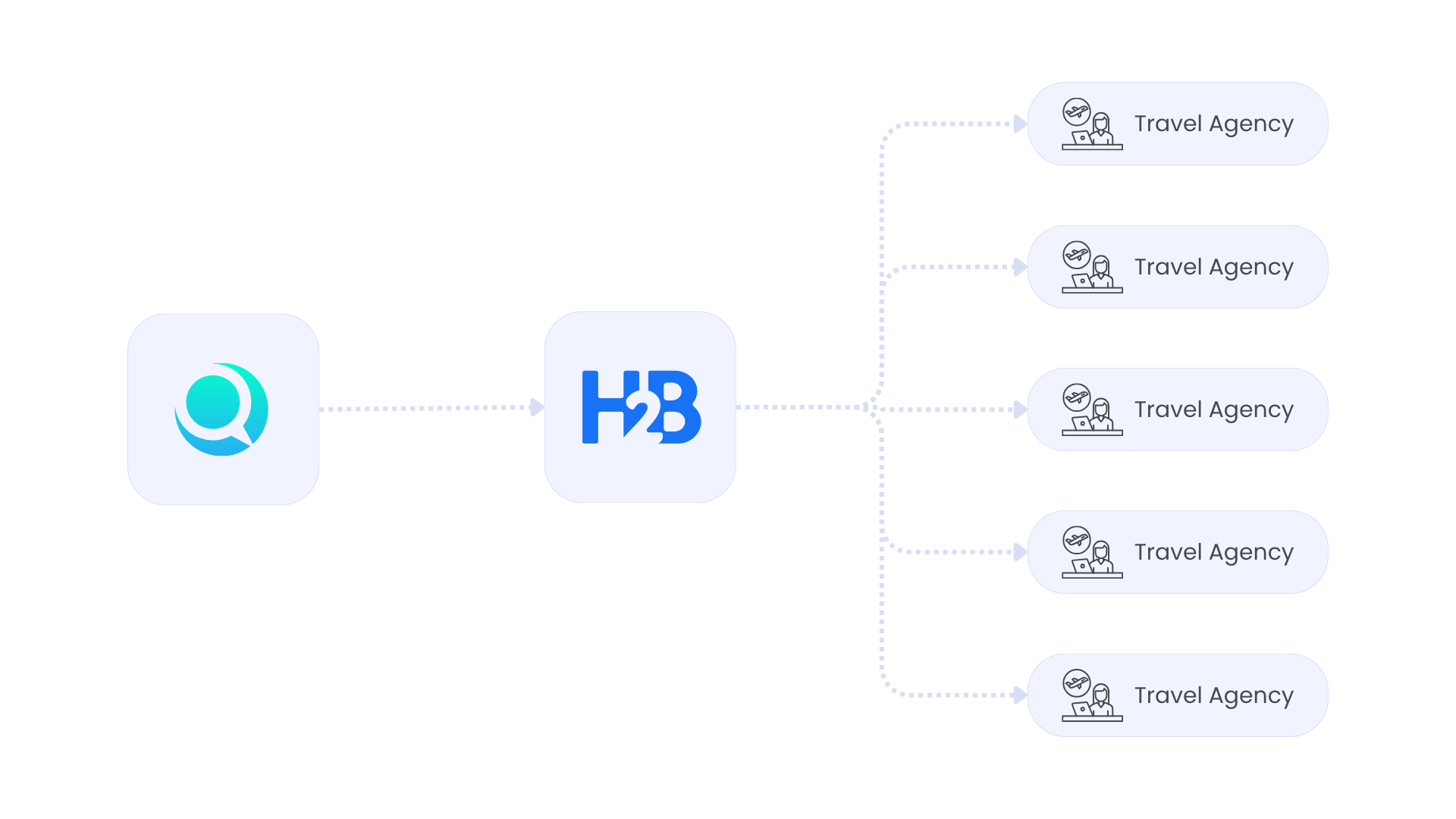
Your data stays in Quendoo, where you manage your availability and rates. H2B makes this information accessible to travel agencies in a structured way, without changing how you work. Agencies can view your availability, rates, and details directly, reducing manual requests and back-and-forth communication.
The commercial relationship remains between you and the travel agency, and the agency pays you directly.
Simplify how you manage contracts with travel agencies
Get your offers in front of more travel agencies
Collaborate with new business partners
Share your rates and availability automatically
How to get started
Get started in a few simple steps
We help set up your property by syncing your Quendoo data, so you can start working with travel agencies in no time.
01
Create your account
Sign up and confirm your email to activate your H2B account. Once completed, you will have access to the platform and can continue with the setup process.
02
Send your Quendoo details
In Quendoo, subscribe your rate plans to H2B, then send your property name and Quendoo ID to support@h2b.ro so we can prepare your data import.
03
Review and complete your setup
Check the imported information and make sure everything is correct. Add any missing details required for your property, such as room types and facilities.
04
Confirm and go live
After reviewing your information, send us a confirmation at support@h2b.ro. We will activate your property and make it available to travel agencies.
Q & A
Find answers to all your questions
Find answers to our frequently asked questions below. For additional assistance, please email support@h2b.ro.
1. What do I need to get started?
First, you need to create and confirm your H2B account.
After that, send your property name and Quendoo ID to support@h2b.ro, and we will handle the data import.
2. What information do I need to complete after the import?
After the import, you only need to review your data and complete a few details, such as:
-company information
-room types
-room facilities
If some details (like descriptions or content in English) are missing, it’s recommended to complete them directly in Quendoo, as this is where your data is managed and updated.
3. Do I need to change how I manage my property?
No. You continue using Quendoo as you already do. H2B simply makes your data accessible to travel agencies.
4. How do I work with travel agencies?
H2B allows you to collaborate with travel agencies in a structured way, without managing everything manually. You remain in control of your collaborations and agreements.
You have full control over your collaborations and can manage access and agreements directly within H2B.
5. Who handles the payments?
The travel agency pays you directly, just as in your current way of working.
6. How do I invoice the travel agency?
You issue invoices or payment links directly to the travel agency, based on your agreed terms. All necessary details are available in each booking.
7. What is the H2B commission?
H2B applies a commission of 1.5% + VAT, calculated only on completed reservations (after check-out).
8. How long does the setup take?
The process is simple and depends mainly on how quickly the information is reviewed and confirmed.
Start working with travel agencies
Use your existing Quendoo setup to make your offers accessible and easier to manage.